
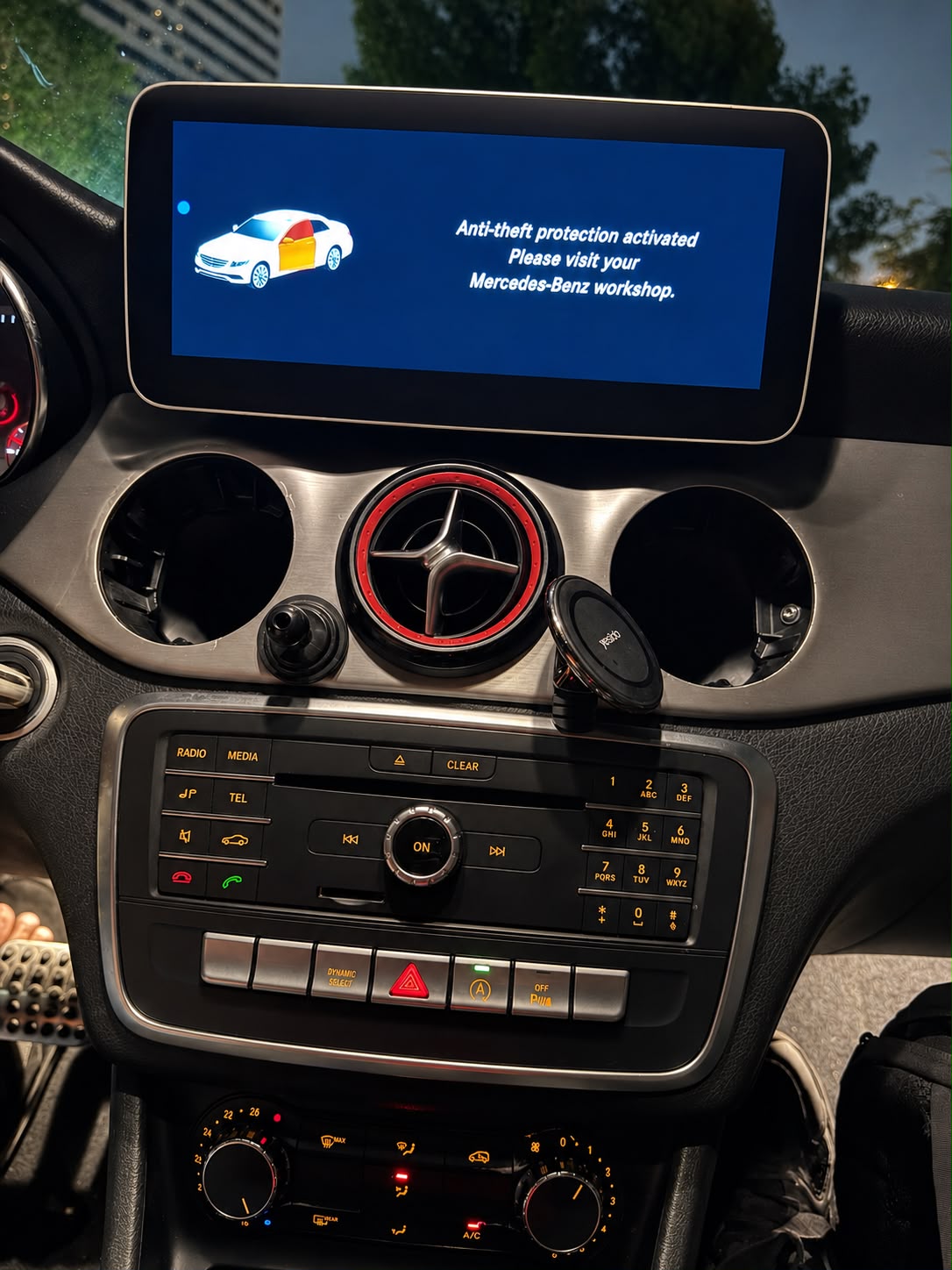
“Anti-theft protection activated. Please visit your Mercedes-Benz workshop.”
If this message just froze your COMAND or infotainment screen, you’re not alone — and you don’t need to book a dealer slot to fix it. We saw this exact fault twice in the same week, on two very different Mercedes-Benz models: a 2011 ML-Class and a 2016 CLA250. Same warning, two different root causes, two different repair paths. Here’s exactly what happened and how we resolved both.
Two Vehicle, Two Stories
Case 1: Mercedes-Benz ML-Class (2011)
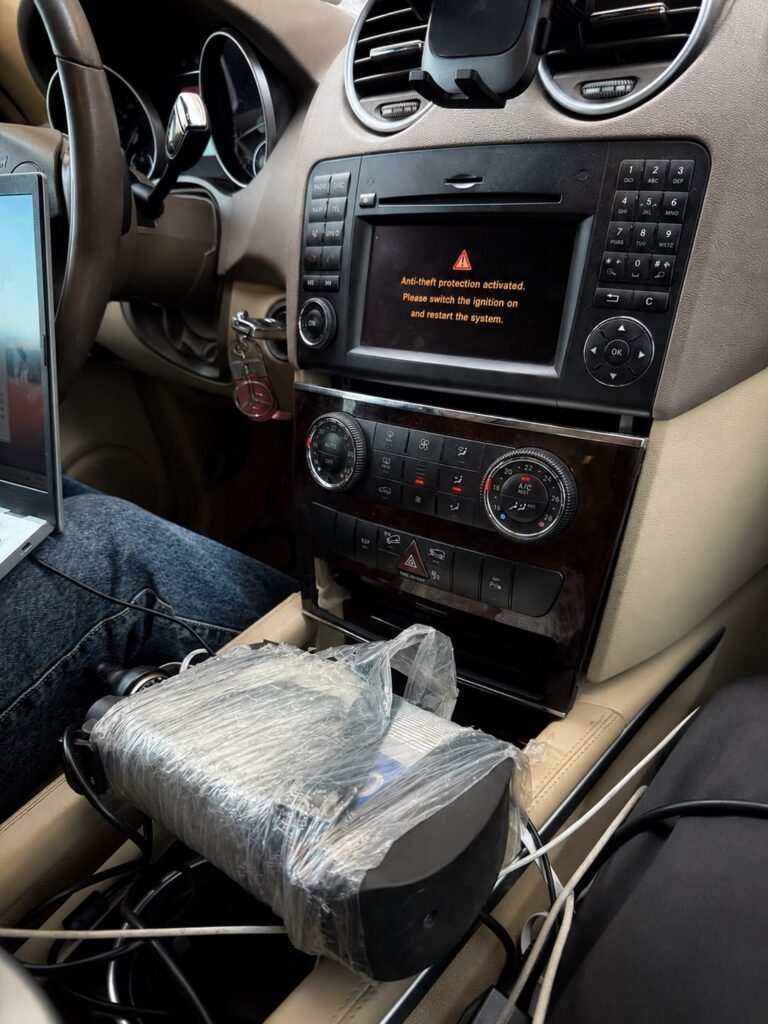
A 2011 ML-Class came in with its COMAND screen completely locked out by the anti-theft message. No accident, no recent repair work — the owner said only the key fob battery had been changed. The system simply tripped on its own.
Case 2: Mercedes-Benz CLA250 (2016)
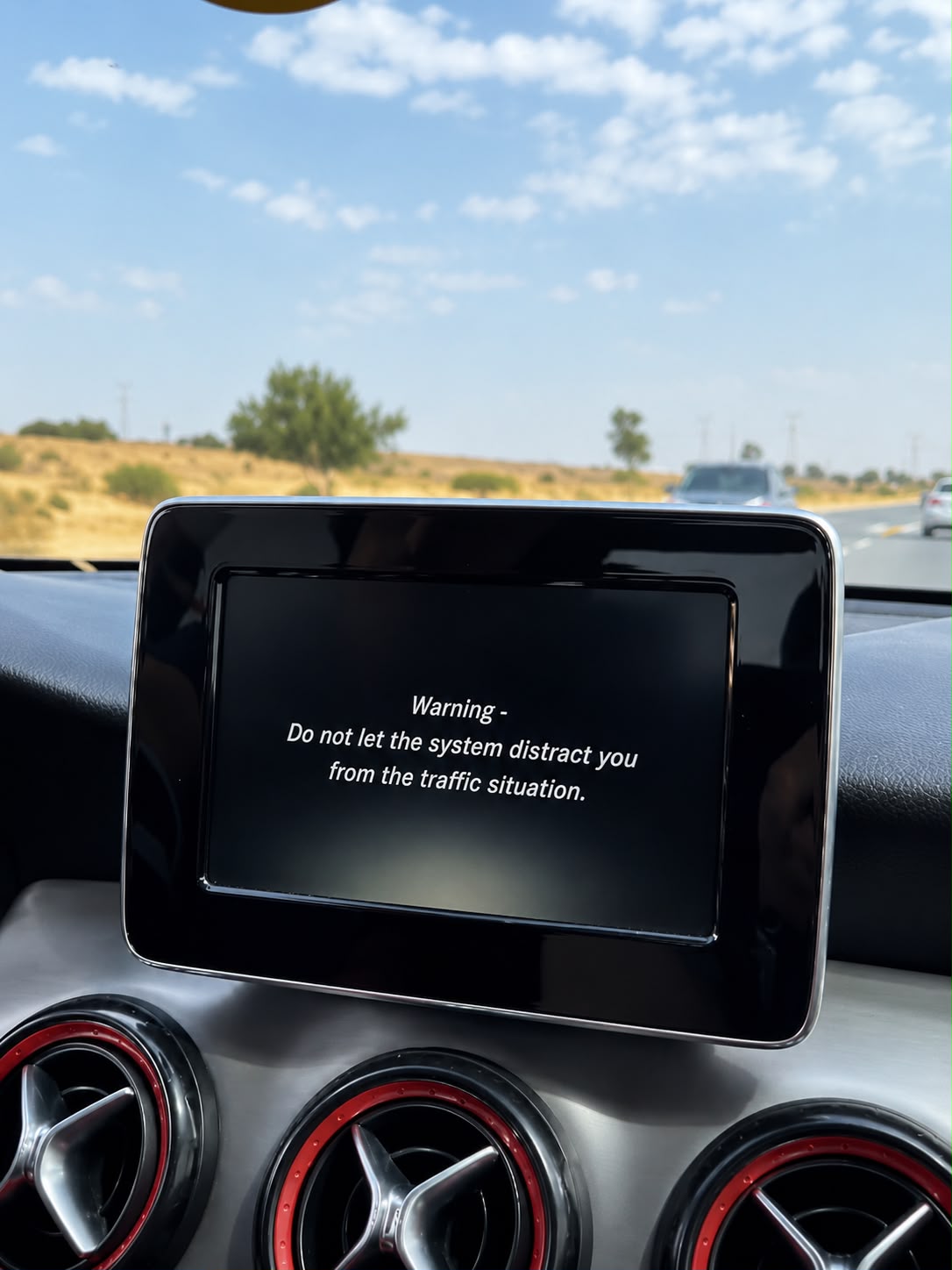
A 2016 CLA250’s factory head unit had failed and was replaced with a used OEM unit sourced from the market. The moment the replacement unit powered up, the anti-theft message appeared and locked out the infotainment system.
The Challange
On the ML-Class, there was no clear cause. The owner insisted nothing had been touched besides a fob battery, and a fault that “activates itself” is the hardest kind to chase — there’s no obvious starting point, and a wrong guess wastes hours.
On the CLA250, the cause was obvious — a replacement head unit always carries its own anti-theft pairing — but that doesn’t make the fix simple. Without the correct unlock procedure, a swapped-in COMAND or infotainment unit stays locked out permanently, no matter how correctly it’s wired in.
Both cases share the same dead end: standard resets don’t touch this fault. It lives at the security-coding level, not the hardware level.
The Solution
ML-Class (2011) — Step-by-Step Diagnosis
- Held the power button on the head unit for 20 seconds to force a reset — no change
- Opened the COMAND unit, disconnected the main power connector for 10 minutes, reconnected — still locked
- Connected via the OBD port using an OpenPort/Tactrix interface, ran MB Tools, and purchased the correct anti-theft unlock code online based on the unit’s part number
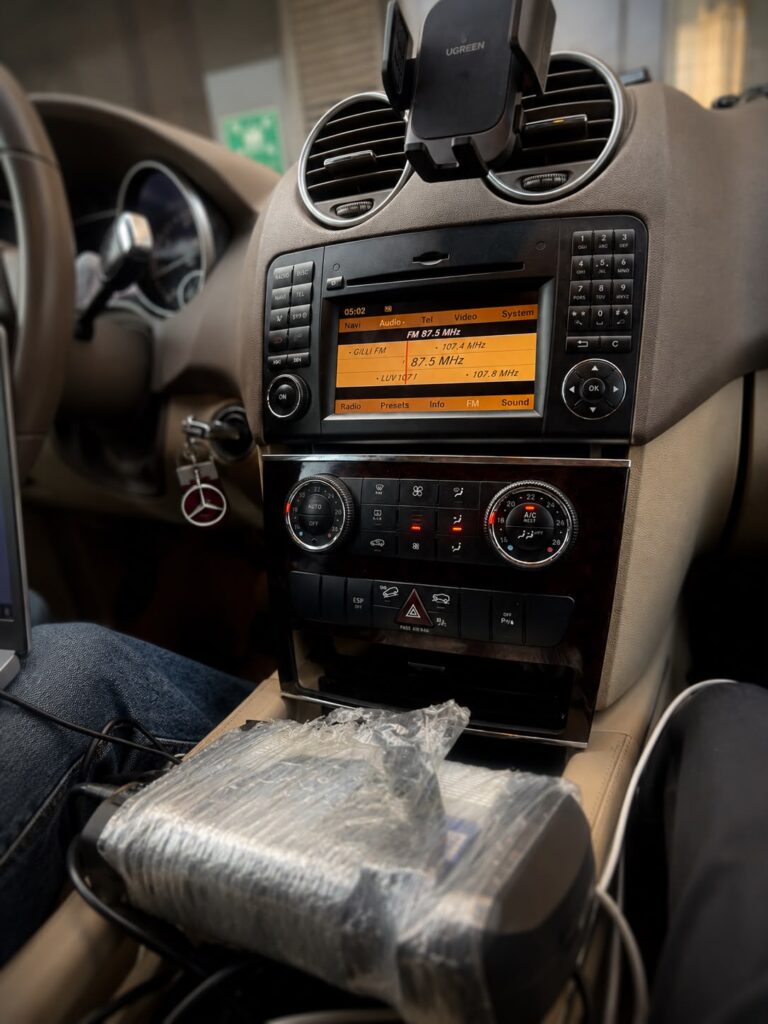
- Entered the code through MB Tools — the system unlocked and the COMAND screen returned to normal
CLA250 (2016) — Coding the Replacement Unit
- Connected to the vehicle via the OBD port using DTS Monaco
- Coded the replacement head unit to the car’s chassis, clearing the anti-theft lock
- the dash was open, also installed a 10.3″ Android multimedia screen upgrade for thecustomer, adding wireless CarPlay and Android Auto on top of the original system
Before & After
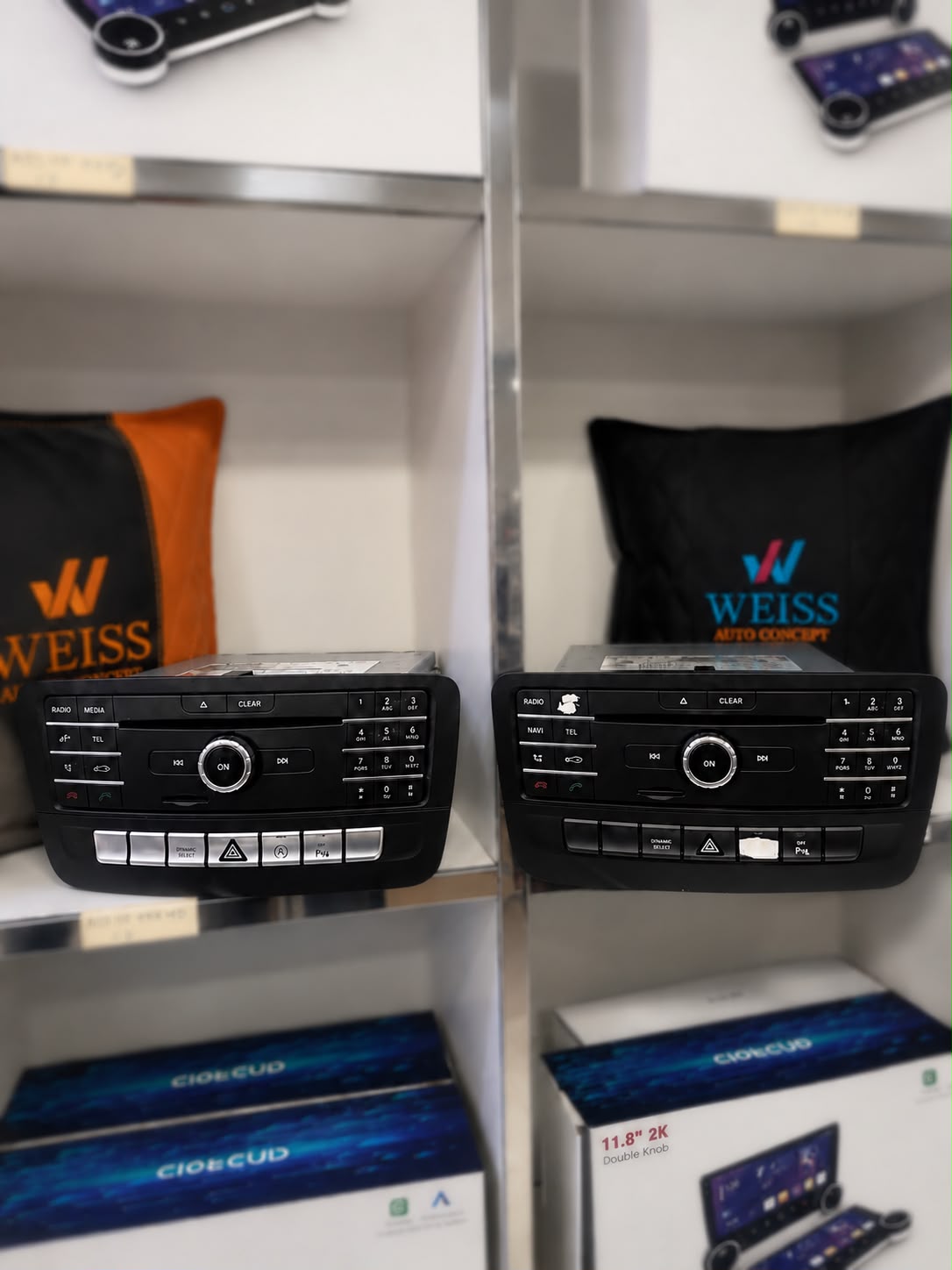
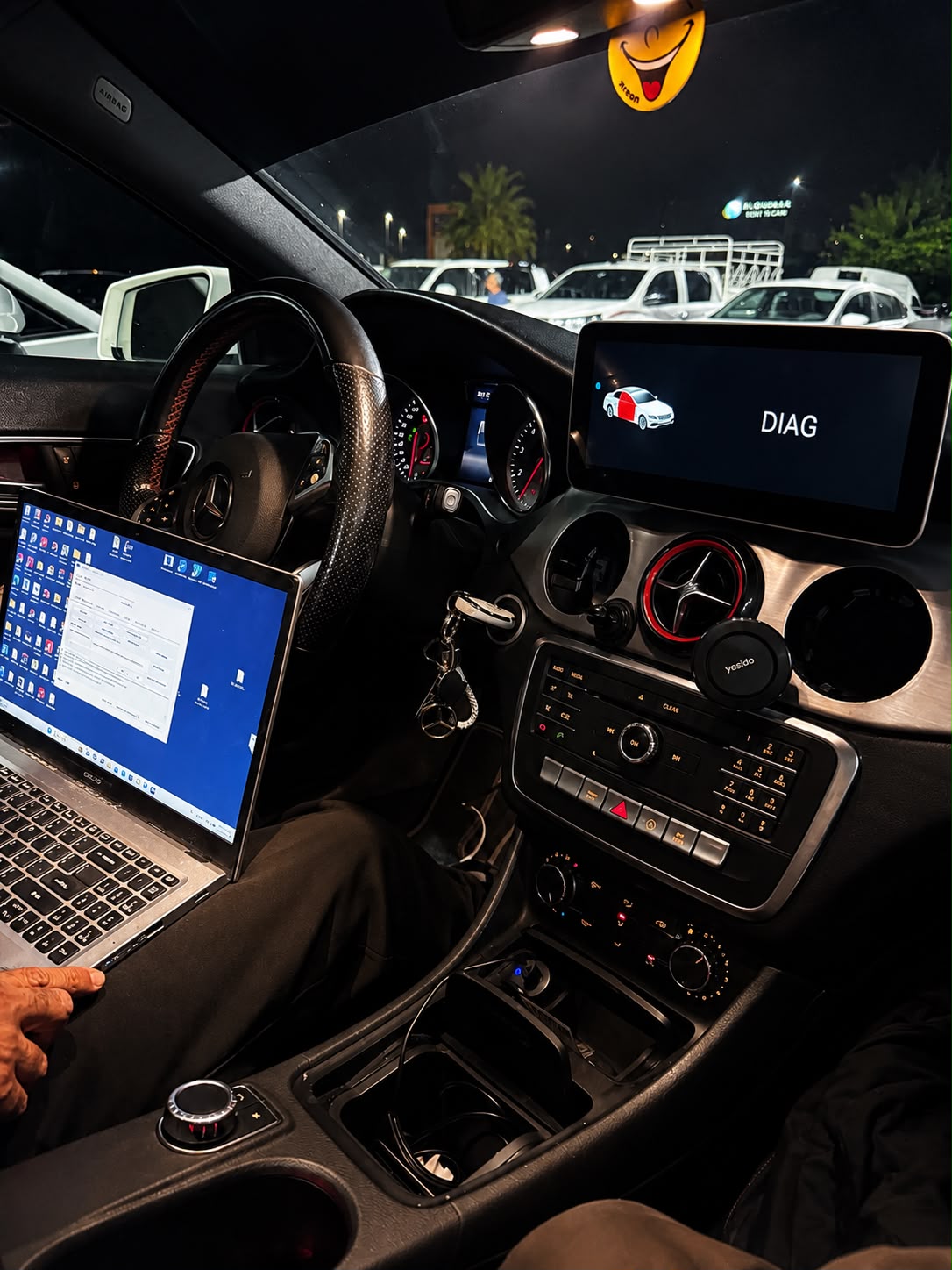
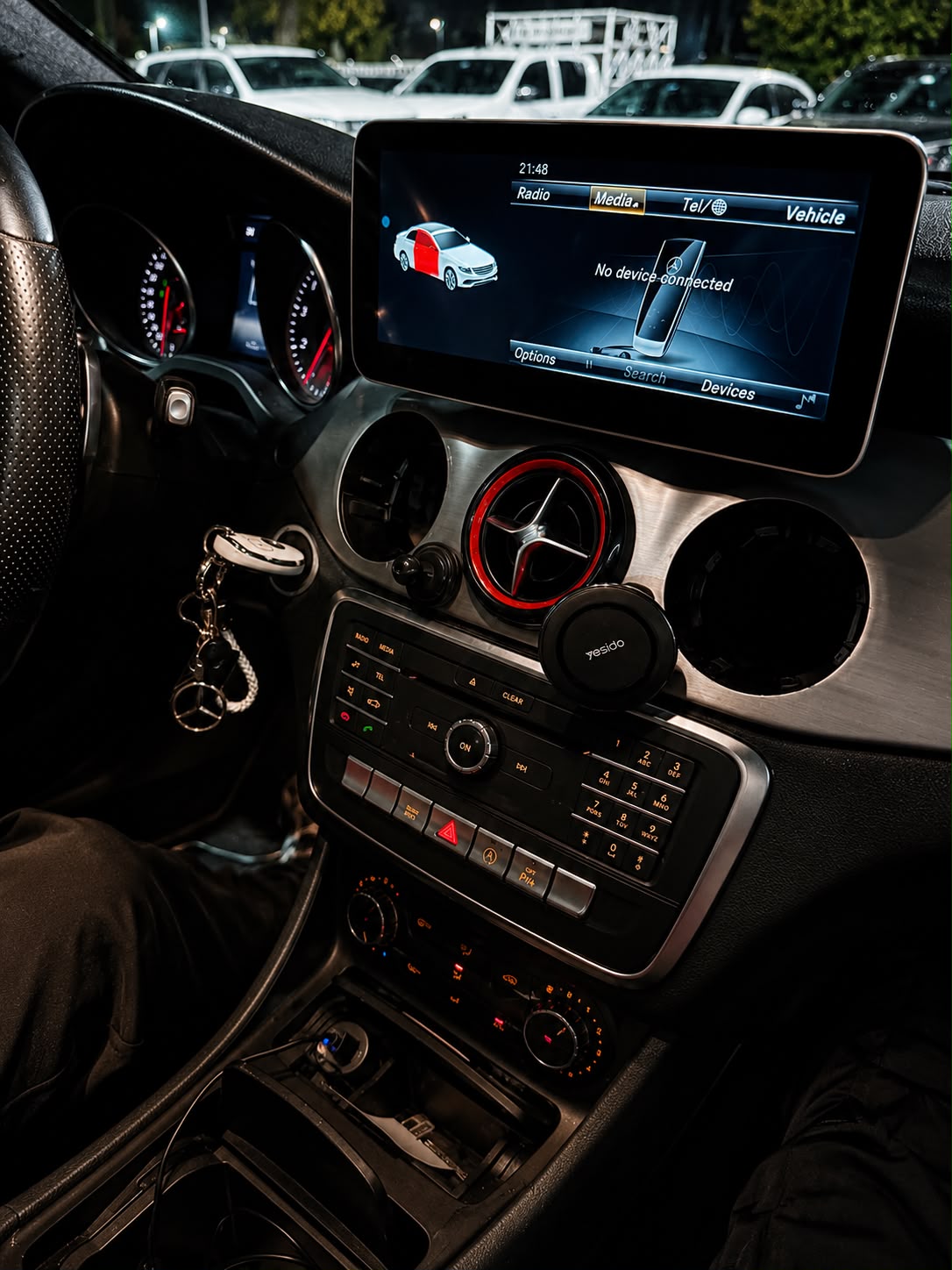
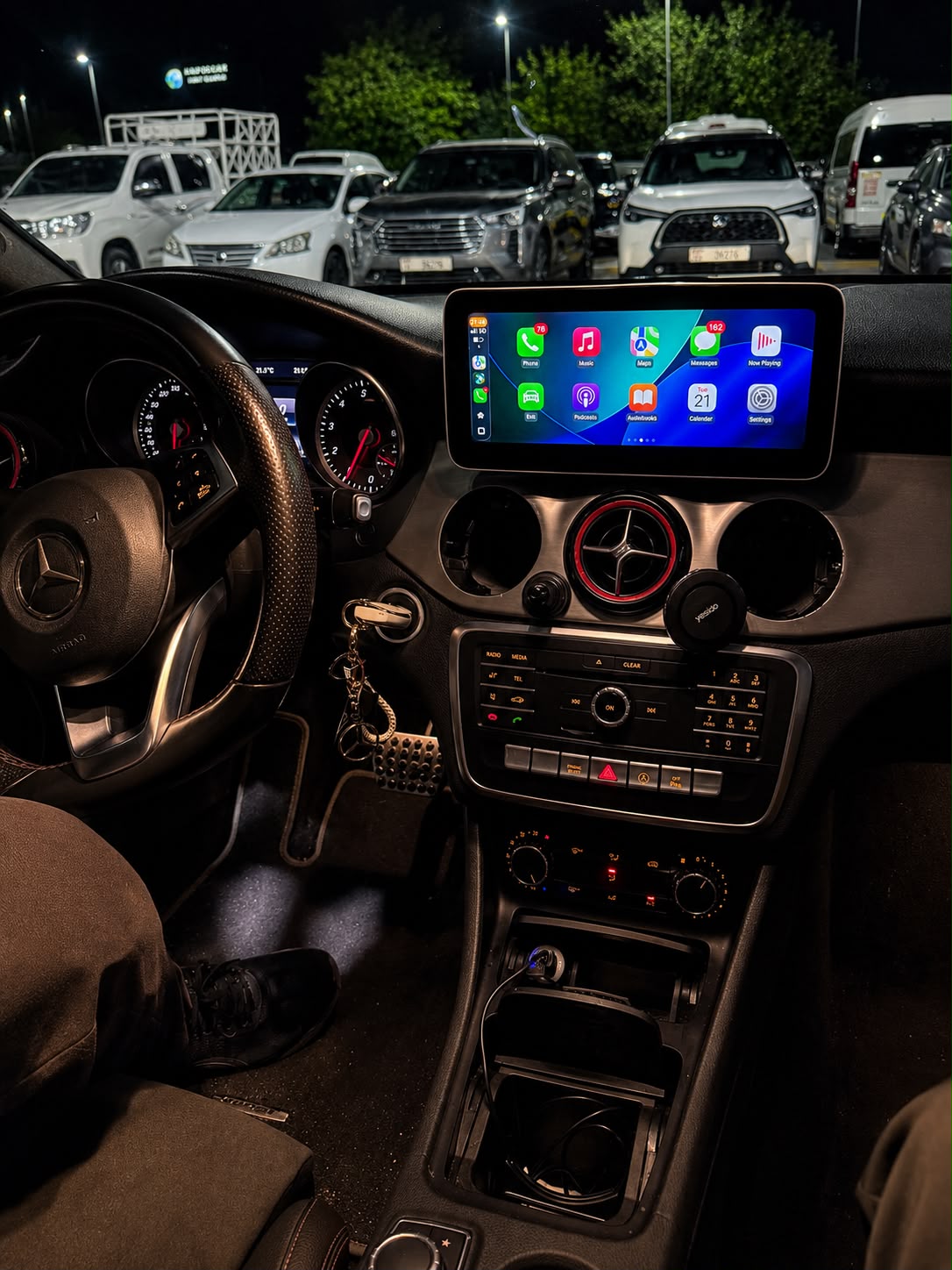
Watch the Transformation
See the CLA250’s anti-theft lock cleared and the new wireless CarPlay system running, start to finish.
The Result
- ✓ ML-Class (2011) — Anti-theft lock fully cleared via MB Tools and the correct unlock code
- ✓ COMAND system restored to normal — Navi, Audio, Tel, Video, and System all accessible again
- ✓ CLA250 (2016) — Replacement head unit coded to the chassis with DTS Monaco, anti-theft lock cleared
- ✓ CLA250 upgraded with a 10.3″ Android multimedia screen — wireless Apple CarPlay and Android Auto added
- ✓ Both vehicles back on the road in Dubai with zero dealer visits
Why OEM-Level Matters
Anti-theft faults like these are exactly why DIY head unit swaps and generic workshops often make things worse before they get better. A used OEM unit, a battery disconnect, or even a routine fob change can trip a security lock that standard tools can’t touch. Clearing it properly requires manufacturer-level diagnostic software, the correct coding procedure, and the patience to work through it methodically — not just a reset and hope.
This is the same standard we apply to every multimedia and interior project: get it right at the OEM level, or don’t touch it.
Got the Same Message on Your Mercedes?
Whether it’s a used head unit, a battery disconnect, or a fault with no clear cause — we’ll diagnose it properly and clear it the right way. No dealer wait times.
Related Service
If your Mercedes’ factory screen has failed or you’re looking for a wireless CarPlay upgrade like the one installed on this CLA250, check out our Mercedes C-Class Android Screen (NTG5) — built for the same generation of Mercedes infotainment systems.
Frequently Asked Questions
Why does “Anti-theft protection activated” appear on a Mercedes screen?
This message appears when the head unit’s security pairing with the vehicle is broken — most often after a head unit replacement, a battery disconnect, or in rare cases with no clear trigger at all. It’s a software-level lock, not a sign of an actual theft attempt.
Can I fix the anti-theft message myself?
Standard resets — power cycling the unit or disconnecting the battery — rarely clear this fault. It requires manufacturer-level diagnostic software such as DTS Monaco or MB Tools, along with the correct coding procedure or unlock code for your specific unit.
Do I need to go to a Mercedes-Benz dealership for this?
No. With the right diagnostic tools and coding software, an independent specialist can clear the anti-theft lock just as effectively — usually faster and at a lower cost than a dealership visit.
I replaced my head unit with a used one and now I’m locked out. Is this normal?
Yes, this is common. A used head unit carries its own anti-theft pairing from its original vehicle. It needs to be coded to your car’s chassis before it will work — this is exactly what we did on the CLA250 in this case.
How long does it take to fix an anti-theft lock on a Mercedes?
Most cases are resolved within a single session, typically 30 minutes to a few hours depending on whether the cause is straightforward (a head unit swap) or requires deeper diagnostics (an unexplained lock with no clear trigger).