
Porsche PCM 4.0 CarPlay activation brings factory Apple CarPlay and Android Auto to the 911 (991.2), 718 Boxster and Cayman, and late-production Macan and Cayenne through a software update — with no new screen and no aftermarket box. At Weiss Auto Concept in Dubai, we recently completed this upgrade on a 2017 Porsche 911 Turbo Cabriolet. Below is the full process, the before-and-after software versions, and the Porsche models that qualify for the same service.
Key Facts
- Car: 2017 Porsche 911 Turbo Cabriolet (991.2)
- System: PCM 4.0 (MHI2 platform), hardware version 050
- Work done: PCM software update (K3299 → K4185) plus Apple CarPlay and Android Auto activation
- Hardware changed: None — software only
- Result: Factory CarPlay and Android Auto on the original PCM screen (wired USB)
- Wireless option: Weiss Auto Concept wired-to-wireless adapter, AED 150
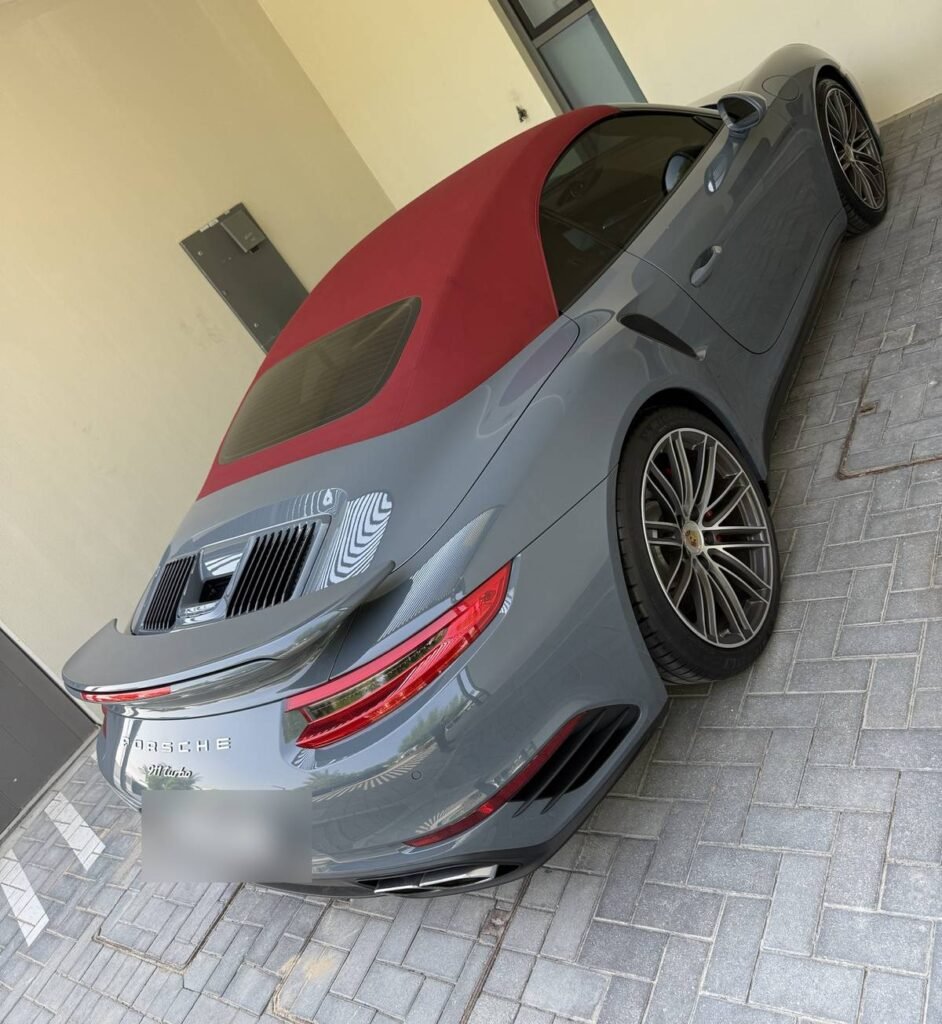
Table of Contents
Which Porsche Models Have PCM 4.0? (911, 718 Boxster, Cayman, Macan, Cayenne)
PCM 4.0 is one shared infotainment platform (MHI2) used across five Porsche model lines, so the CarPlay and Android Auto activation process is the same for all of them.
| Model | Generation | Approx. years |
|---|---|---|
| Porsche 911 | 991.2 | 2017–2019 |
| Porsche 718 Boxster / Cayman / Spyder | 982 | 2017 onwards |
| Porsche Macan | 95B.1 (late production) | approx. 2017–2018 |
| Porsche Cayenne | 958.2 (late production) | approx. 2017–2018 |
| Porsche Panamera | 971 | 2017–2019 |
Exact start dates vary by market and production date, so we always confirm by checking the car itself.
How to check if your Porsche has PCM 4.0: Go to Settings → Software Update → Version Information. If the software version starts with MHI2, your car has PCM 4.0 and qualifies for this activation.
The Panamera 971 uses a larger 12.3-inch PCM layout and usually has CarPlay from the factory. For imported Panameras, the more common job is a Porsche Panamera GCC conversion. Newer Porsches with PCM 5.0, such as the 2019+ Macan, follow a different process — see our Porsche Macan PCM 5.0 full-screen CarPlay project.
Not sure which PCM your Porsche has? Send us a photo of your Version Information screen on WhatsApp and our multimedia team will confirm compatibility.
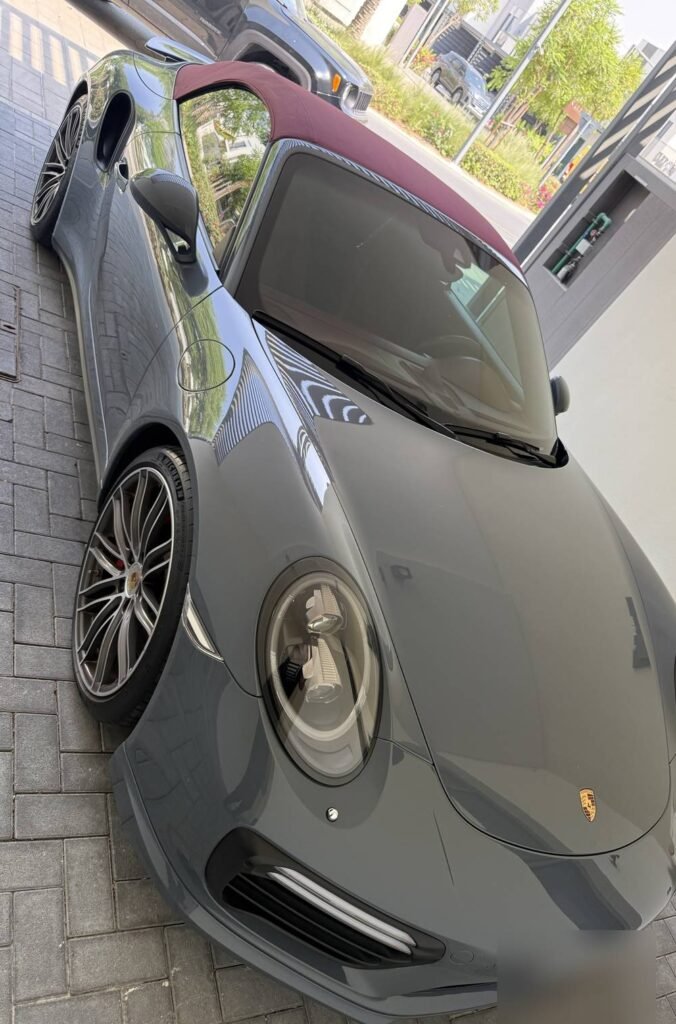
The Car: 2017 Porsche 911 Turbo Cabriolet (991.2)
- Model: Porsche 911 Turbo Cabriolet, 991.2 generation, model year 2017
- Infotainment: PCM 4.0 (MHI2 platform), hardware version 050
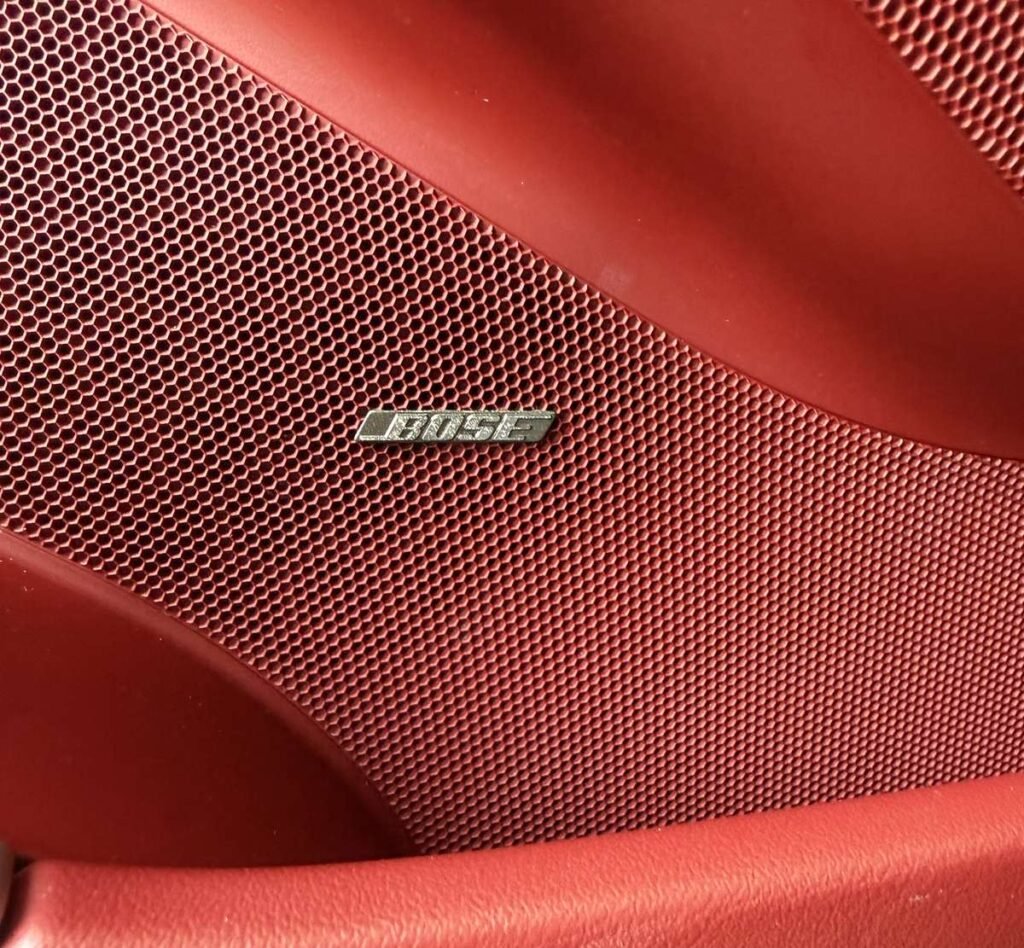
- Sound system: Bose Surround Sound
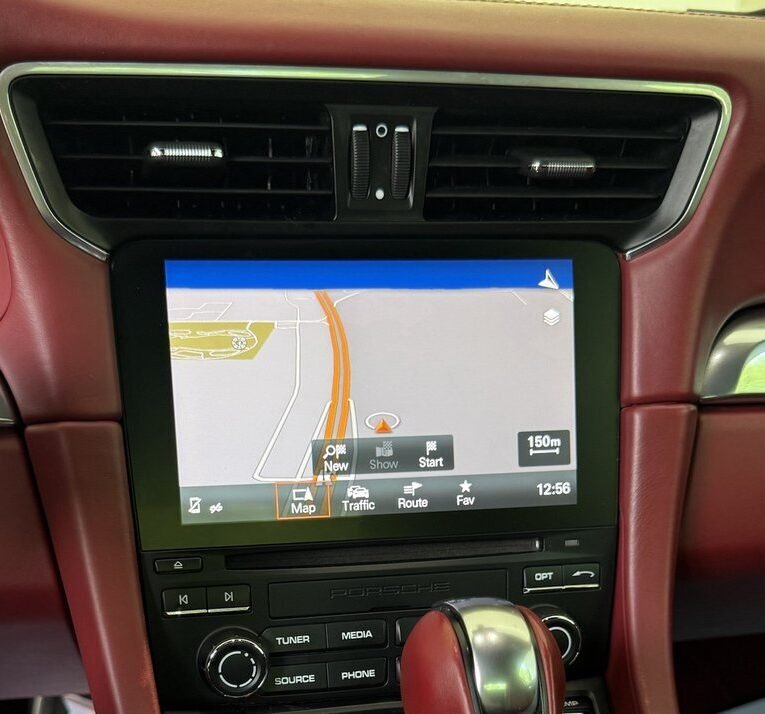
- Starting point: No Apple CarPlay or Android Auto — the original PCM offered only native navigation, radio, media and Bluetooth phone
Many GCC-spec and imported Porsches from this period never had smartphone integration enabled from the factory, even though the PCM 4.0 hardware supports it.
How Porsche PCM 4.0 CarPlay Activation Works
Activation is a software-only process in two parts: first the PCM firmware is updated to a version that supports smartphone integration, then the Apple CarPlay and Android Auto functions are enabled.
- Read the system. We record the full version information — software, hardware, region and sound system — before touching anything.
- Select the matching firmware. On this 911 Turbo, the PCM went from software K3299 to K4185.
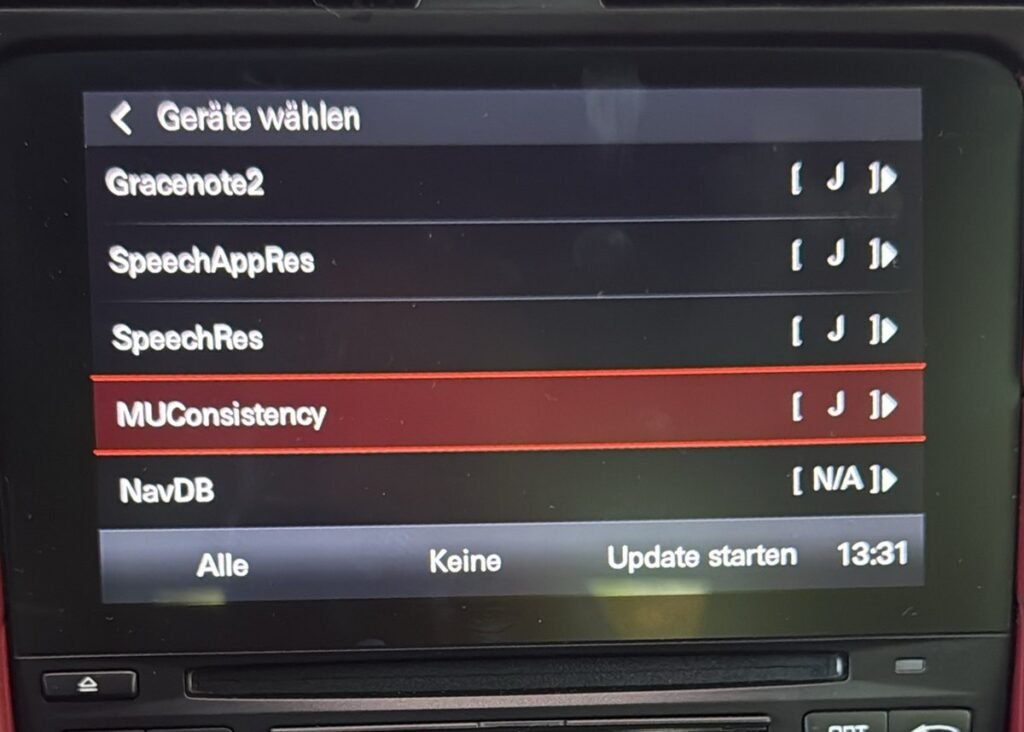
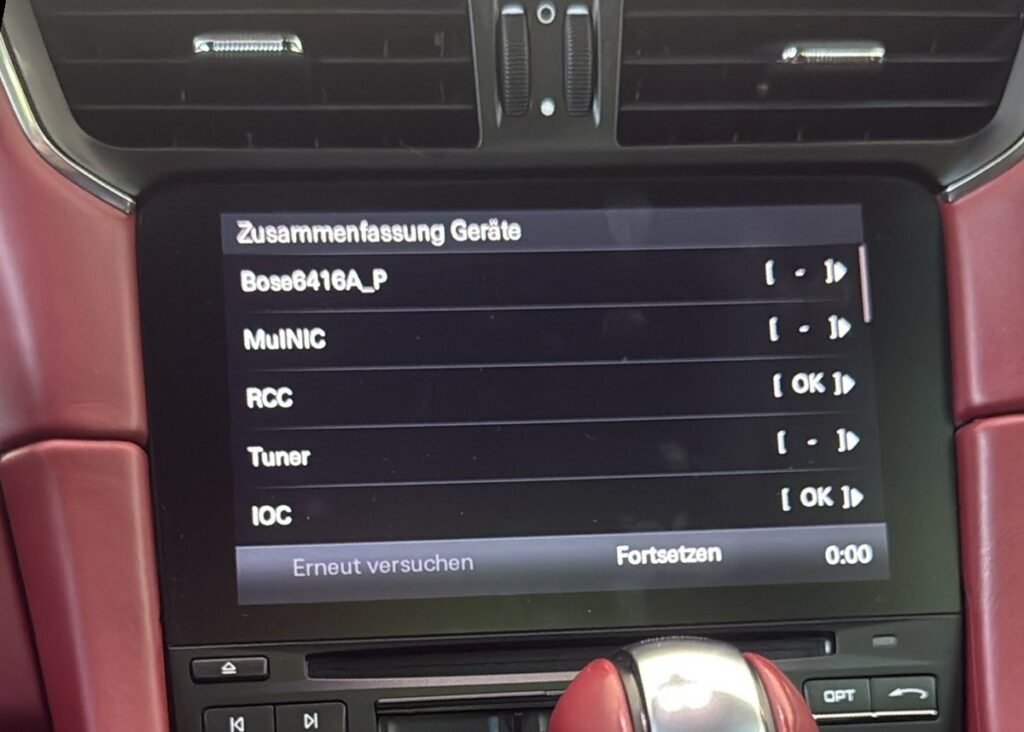
- Install through the PCM’s developer menu. The update runs in 7 stages and covers the main unit, tuner, IOC and the Bose amplifier module. A stable external power supply stays connected for the whole process.
- Activate CarPlay and Android Auto on the updated software.
- Reboot and verify. We test CarPlay and Android Auto with a phone and confirm the new version information.
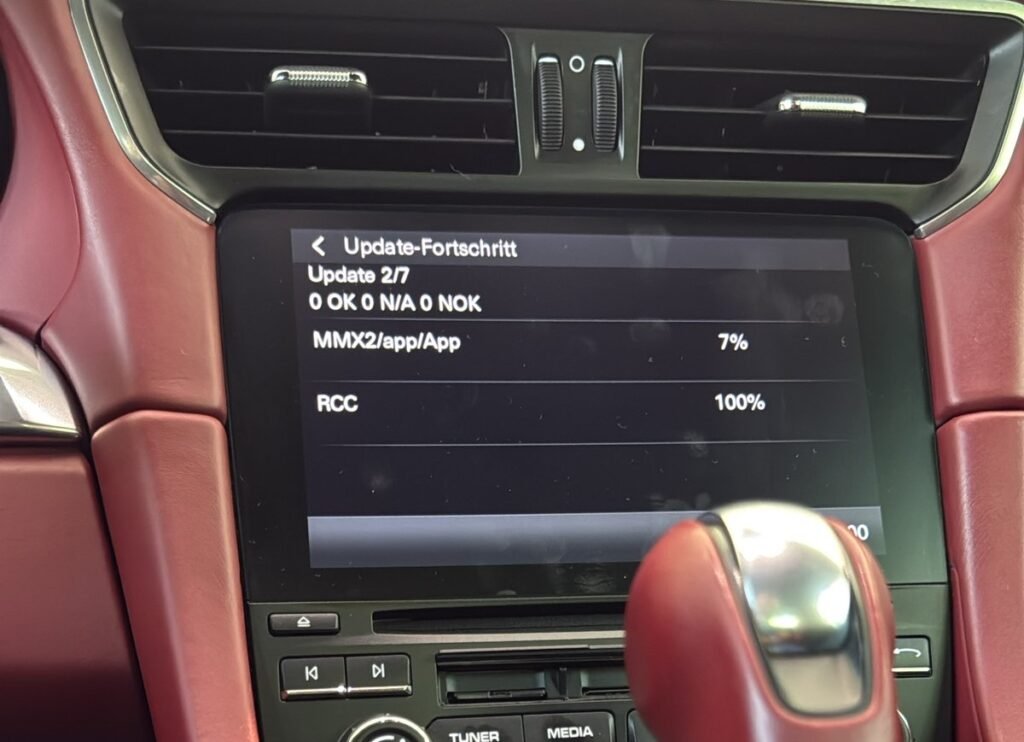
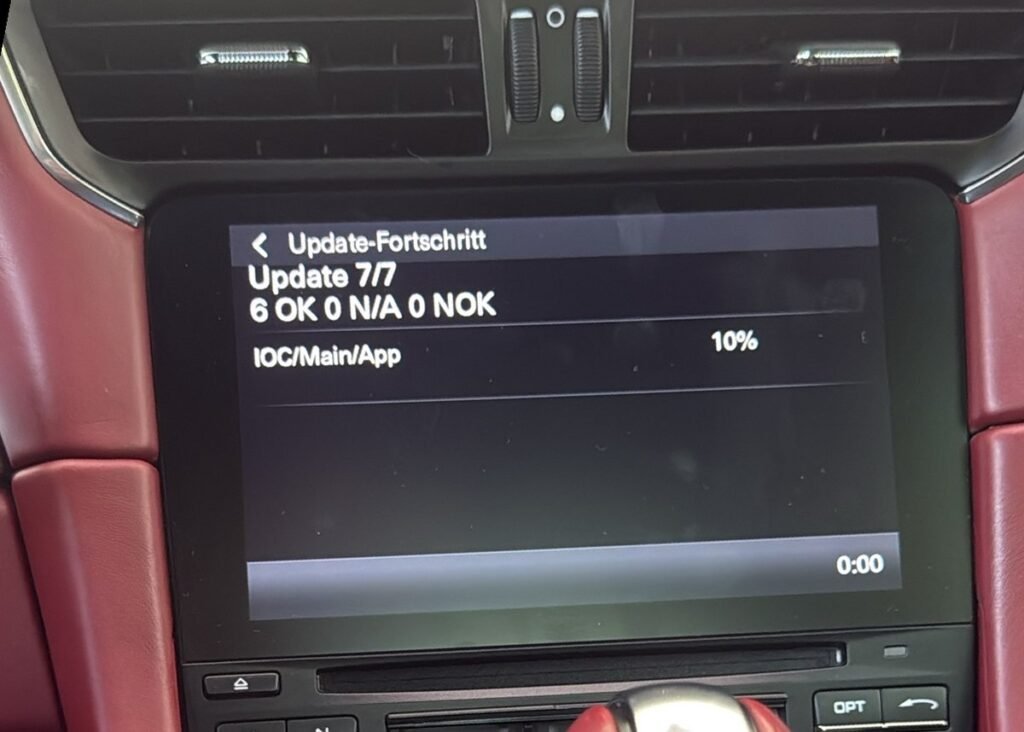
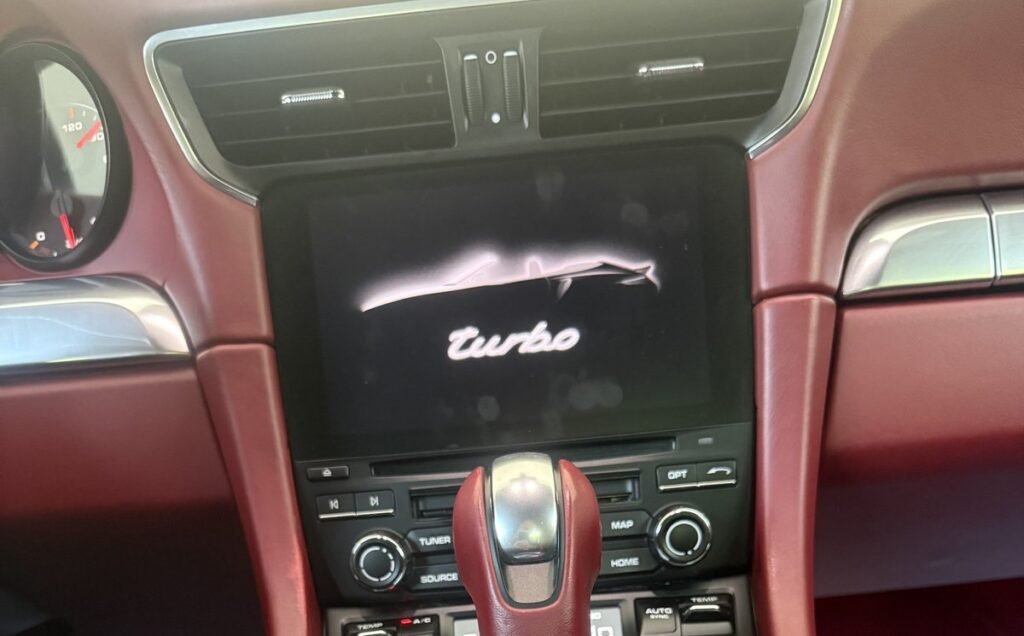
About the PCM 4.0 Developer Menu
PCM 4.0 has a hidden developer menu (SWDL) used for software installation. The key combination to open it differs between the 911 and the 718, and the update cannot be interrupted once it starts. A power drop or the wrong firmware file at this stage can leave the PCM unit unresponsive (bricked), which is why this work should only be done with the right equipment and a verified firmware package.
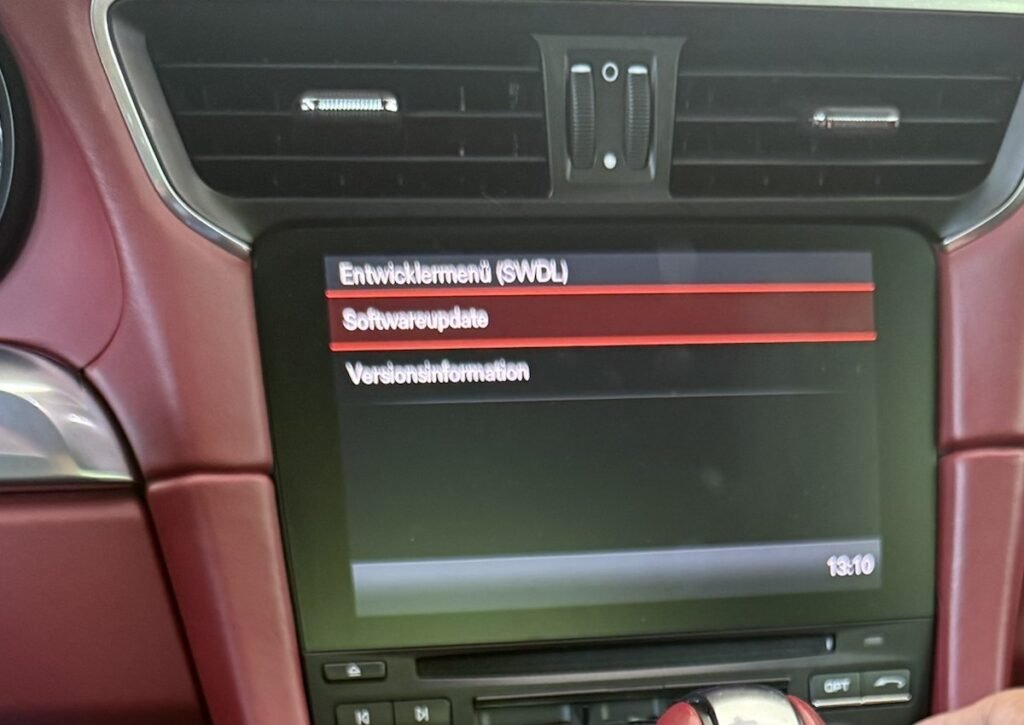
Why the Firmware Must Match Your Porsche Sound System
A PCM 4.0 software update does more than add CarPlay — it also rewrites amplifier configuration. On this 911, the Bose amplifier module (Bose6416A_P) was one of the 7 update stages.
Porsche PCM 4.0 cars come with one of three audio setups: the standard Sound Package Plus, Bose Surround Sound, or Burmester High-End Surround Sound. If the firmware does not match the car’s sound system and region, the result can be lost audio, wrong equalizer settings or system errors. That is why we read the sound system and version information first, and select the firmware to match.
Before and After: PCM 4.0 Software Versions
| Component | Before | After |
|---|---|---|
| Software | MHI2_ER_POG11_K3299 | MHI2_ER_POG11_K4185 |
| Hardware | 050 | 050 (unchanged) |
| Media driver | CLU6_MMX2_PAG_ER_G11_137 | CLU8_MMX2_PAG_ER_G11_133 |
| Gracenote | Rest of World – Version 9 | Rest of World – Version 12 |
| Phone driver | 10.468.116 | 10.593.998 |
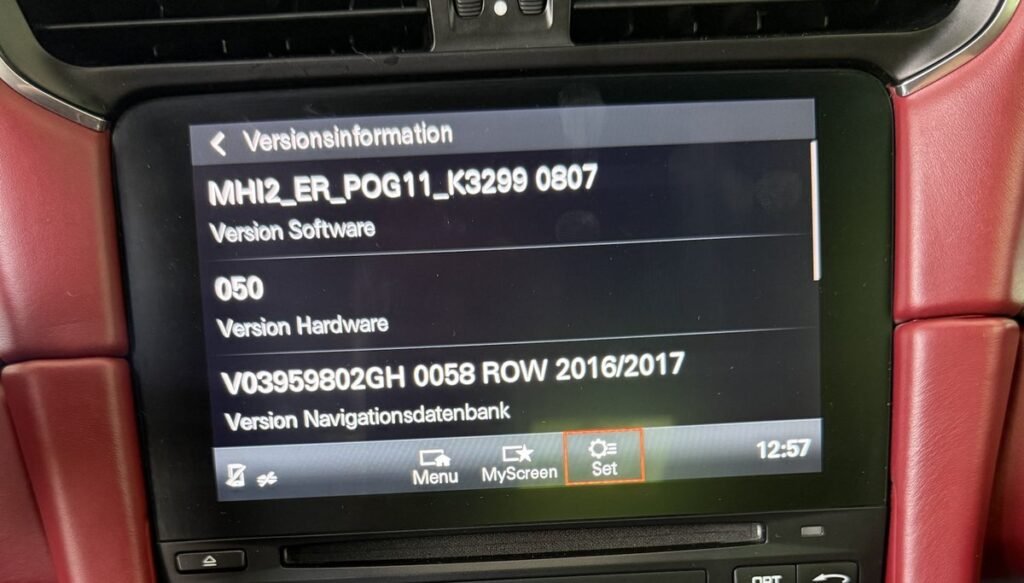
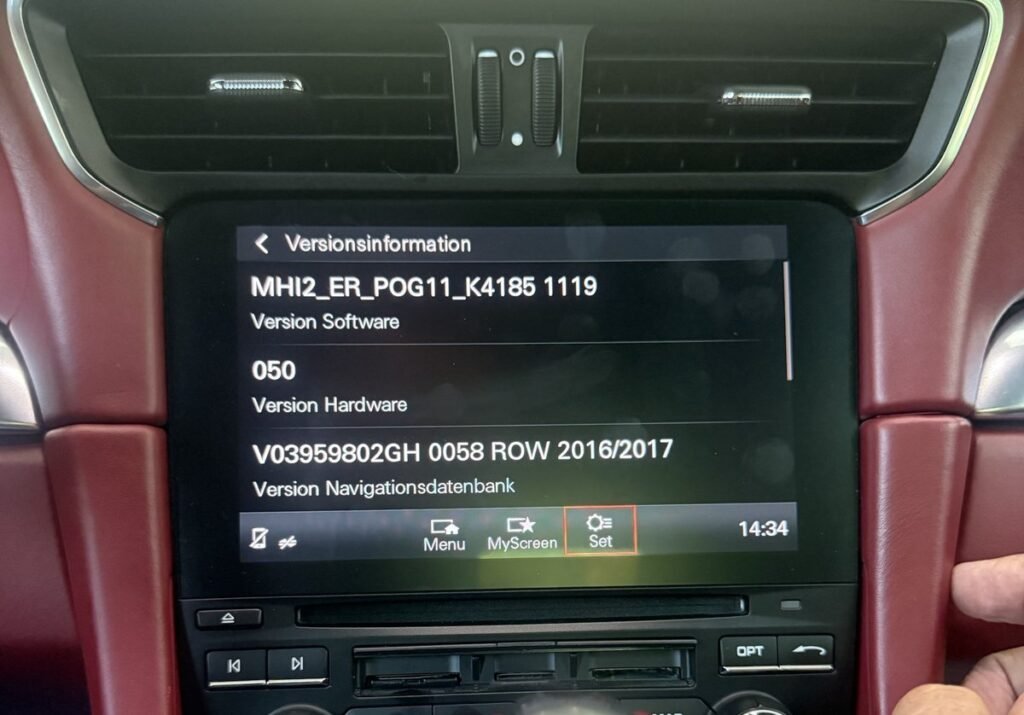
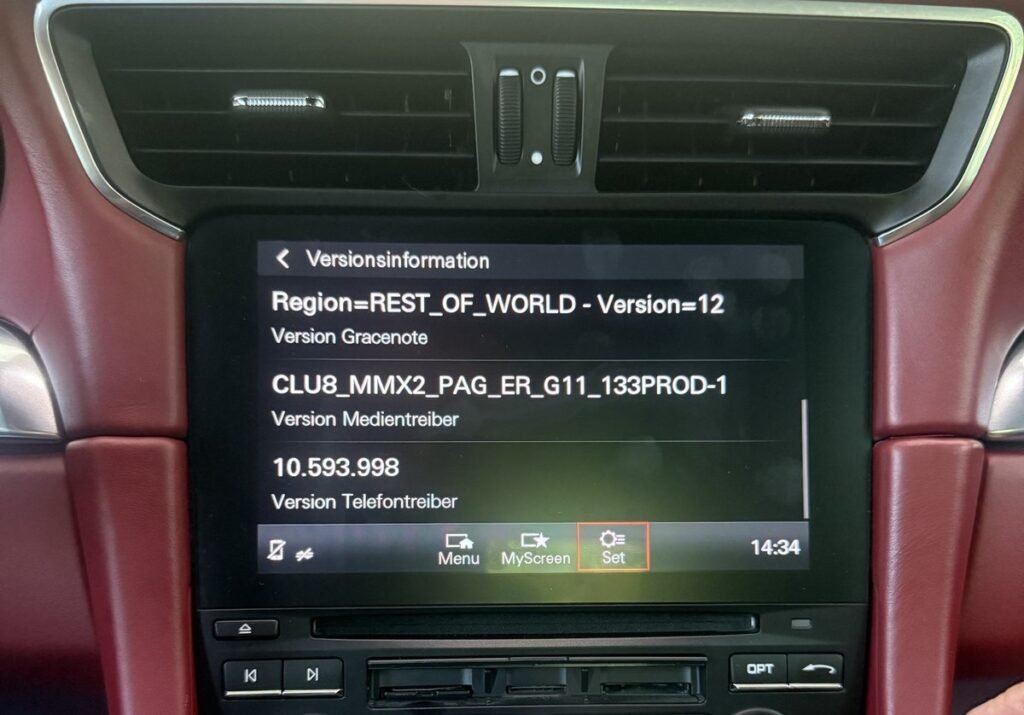
The hardware version stayed at 050, confirming the upgrade was purely software — no parts were replaced and the original PCM unit was kept.
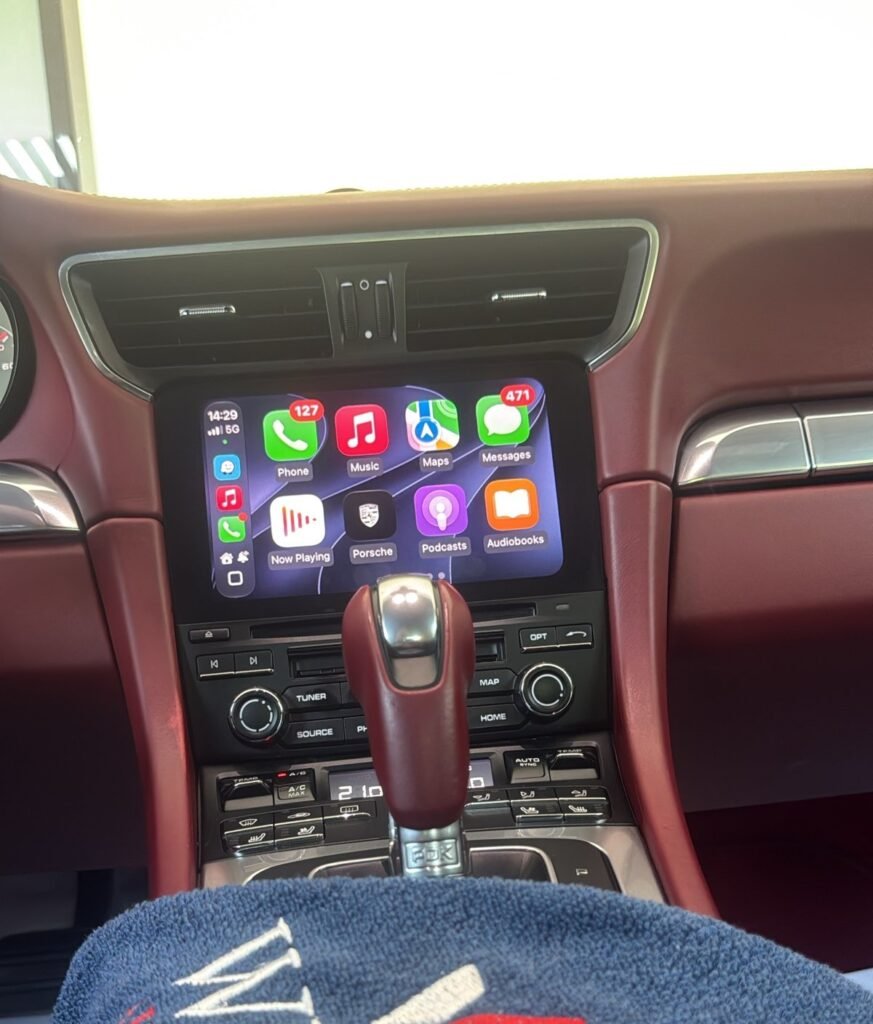
Result: Factory CarPlay and Android Auto on the Original PCM Screen
- Apple CarPlay and Android Auto now run inside the original Porsche PCM screen
- Controlled through the original touchscreen and PCM controls
- Apps such as Apple Maps, Google Maps, Waze, WhatsApp, Spotify and Apple Music are available on the car’s display
- The original Porsche interface, navigation, radio and vehicle settings all remain
Wired or Wireless CarPlay on PCM 4.0?
On PCM 4.0, both Apple CarPlay and Android Auto work through a USB cable after activation. For a wireless connection, Weiss Auto Concept offers a wired-to-wireless adapter for AED 150, which makes both CarPlay and Android Auto wireless on this system.
Why Weiss Auto Concept for Porsche CarPlay in Dubai
- Over two decades of experience in automotive multimedia and connectivity
- Every job starts with reading the car’s software, region and sound system before any update
- Regular Porsche work across PCM 4.0 and PCM 5.0 — see our Porsche CarPlay activation and GCC region coding service
- Part of our wider multimedia upgrade services in Dubai
Own a Porsche 911, Boxster, Cayman, Macan or Cayenne with PCM 4.0? Send us a photo of your Version Information screen on WhatsApp and we will confirm compatibility.
Porsche PCM 4.0 CarPlay Activation – FAQ
Can Apple CarPlay be activated on a Porsche 911 991.2?
Yes. The Porsche 911 991.2 (2017–2019) uses PCM 4.0, which supports factory Apple CarPlay and Android Auto through a software update and activation. No screen replacement or aftermarket interface is needed.
Which Porsche models can get CarPlay activation with PCM 4.0?
The Porsche 911 (991.2), 718 Boxster, Cayman and Spyder (982), and late-production Macan (95B.1) and Cayenne (958.2) use PCM 4.0. If the software version in Version Information starts with MHI2, the car qualifies.
Which Porsche Cayenne has PCM 4.0?
Only the late-production 958.2 Cayenne (approx. 2017–2018) has PCM 4.0. Earlier Cayennes use PCM 3.1, and the 9Y0 Cayenne (2019 onwards) uses the newer PCM system. Check Version Information to confirm.
Will CarPlay activation affect my Bose or Burmester sound system?
No, as long as the correct firmware is used. The PCM 4.0 update also updates amplifier settings, so the firmware must match the car’s sound system — Sound Package Plus, Bose or Burmester — and region. Weiss Auto Concept checks this before every update.
Can I get wireless CarPlay on my Porsche 911 991.2?
Yes, with an adapter. After activation, CarPlay and Android Auto on PCM 4.0 work through a USB cable. Weiss Auto Concept’s wired-to-wireless adapter (AED 150) makes both CarPlay and Android Auto wireless.
Does Porsche CarPlay activation change any hardware?
No. It is a software-only upgrade. On our 911 Turbo case study, the PCM hardware version stayed at 050 before and after the update, and the original PCM unit was kept.
Where can I get Porsche CarPlay activated in Dubai?
Weiss Auto Concept activates Apple CarPlay and Android Auto on Porsche PCM 4.0 models in Dubai. Contact our multimedia team on WhatsApp at +971 50 226 2037 with a photo of your Version Information screen to confirm compatibility.