
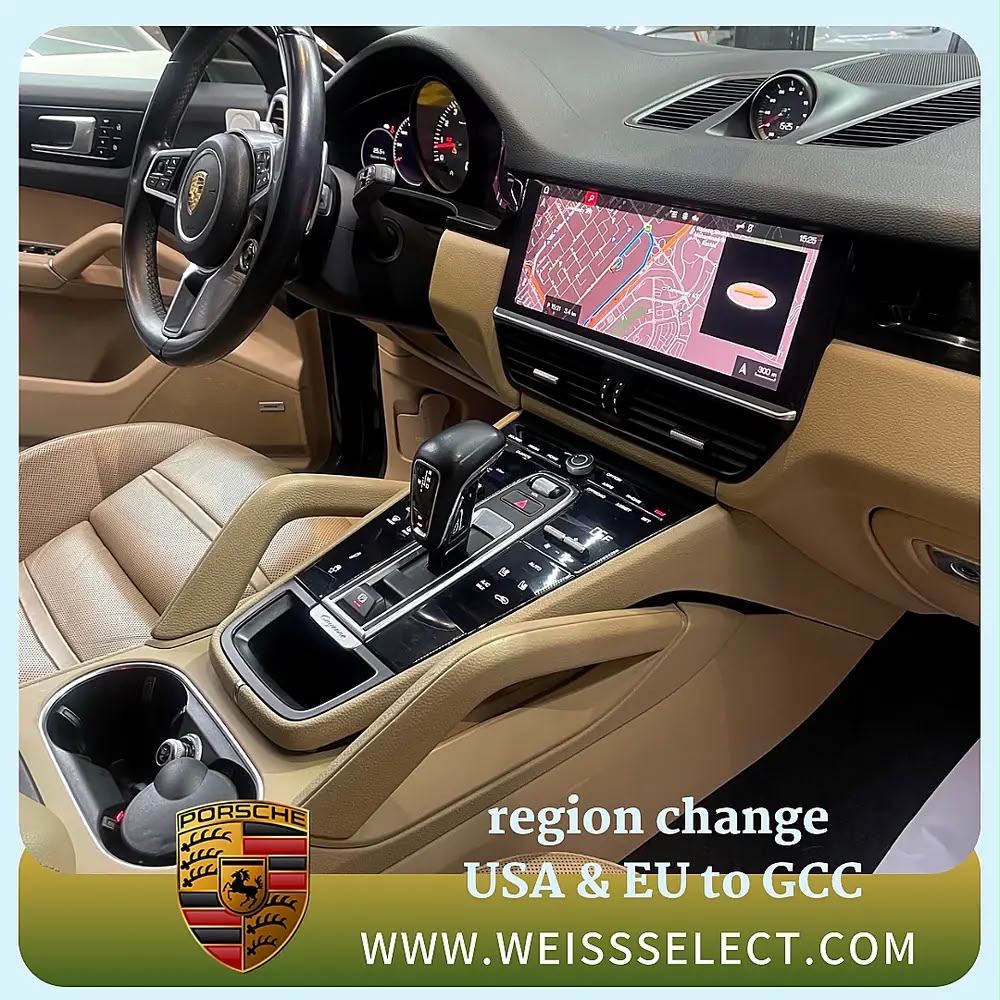
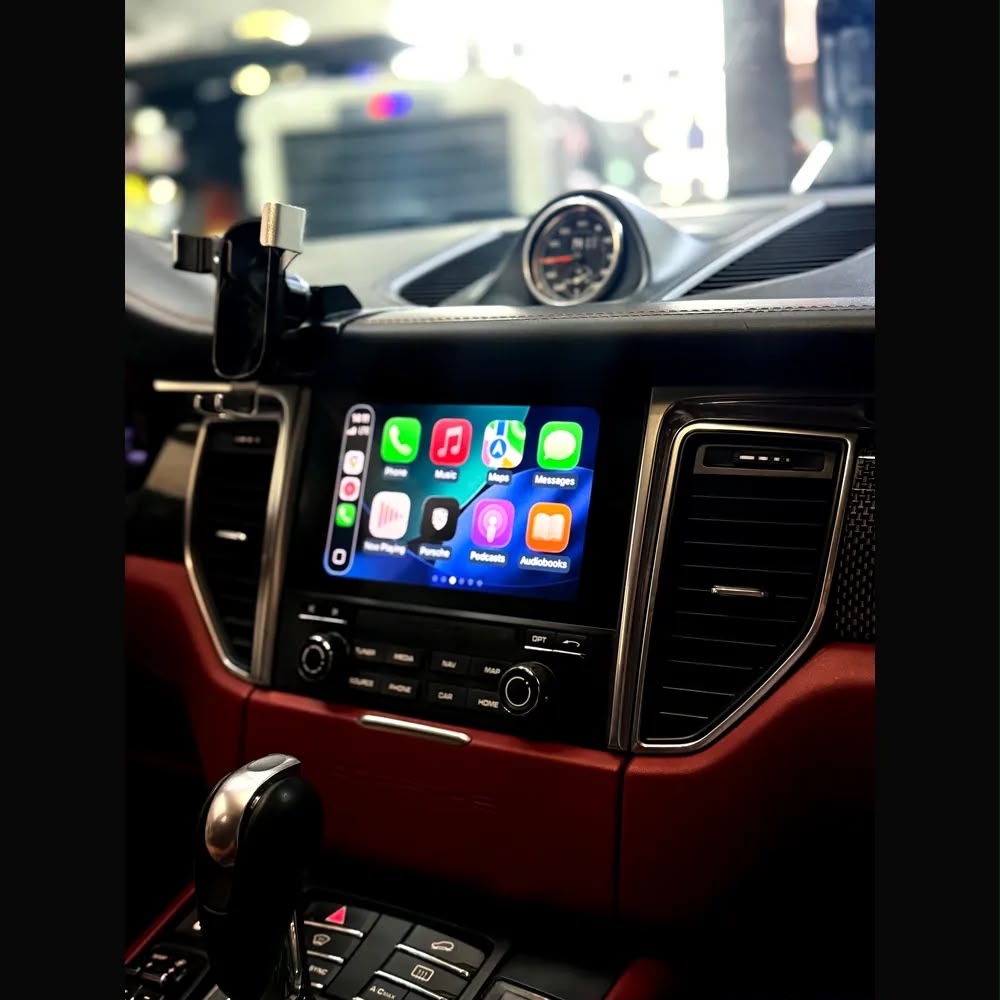
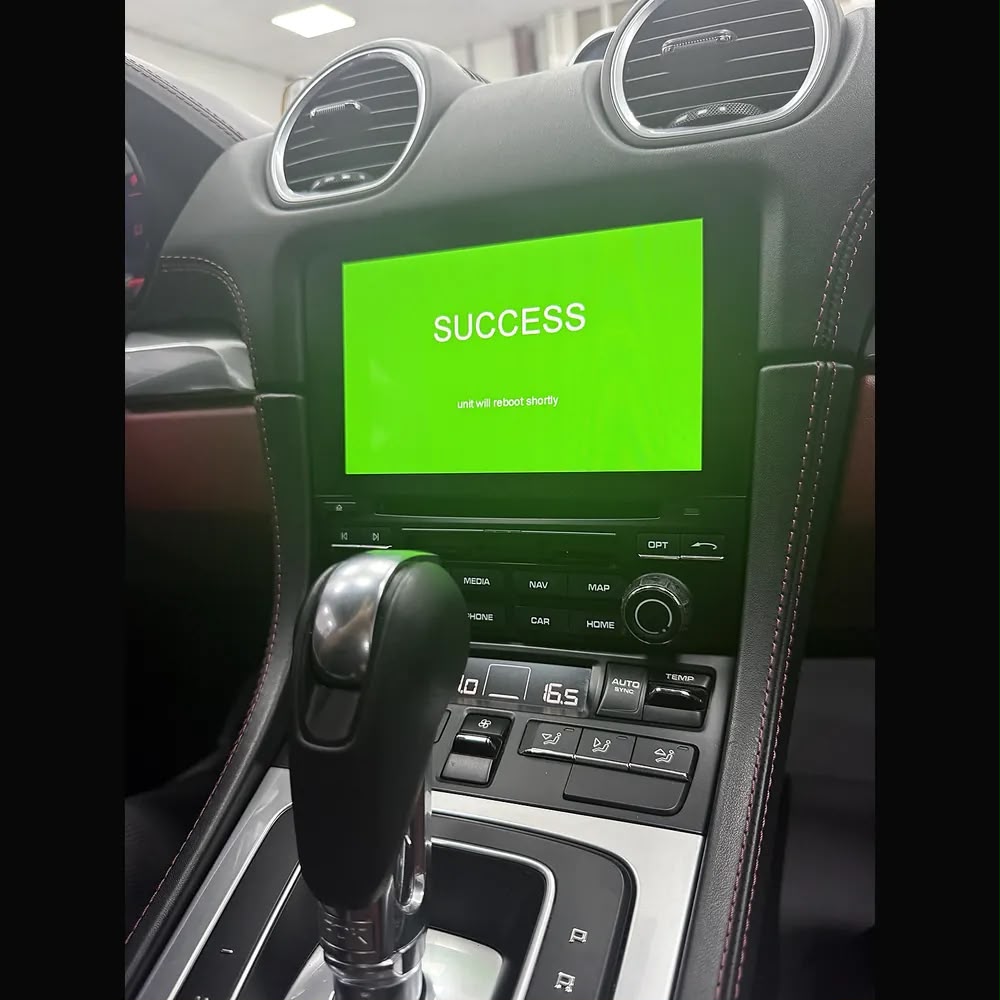
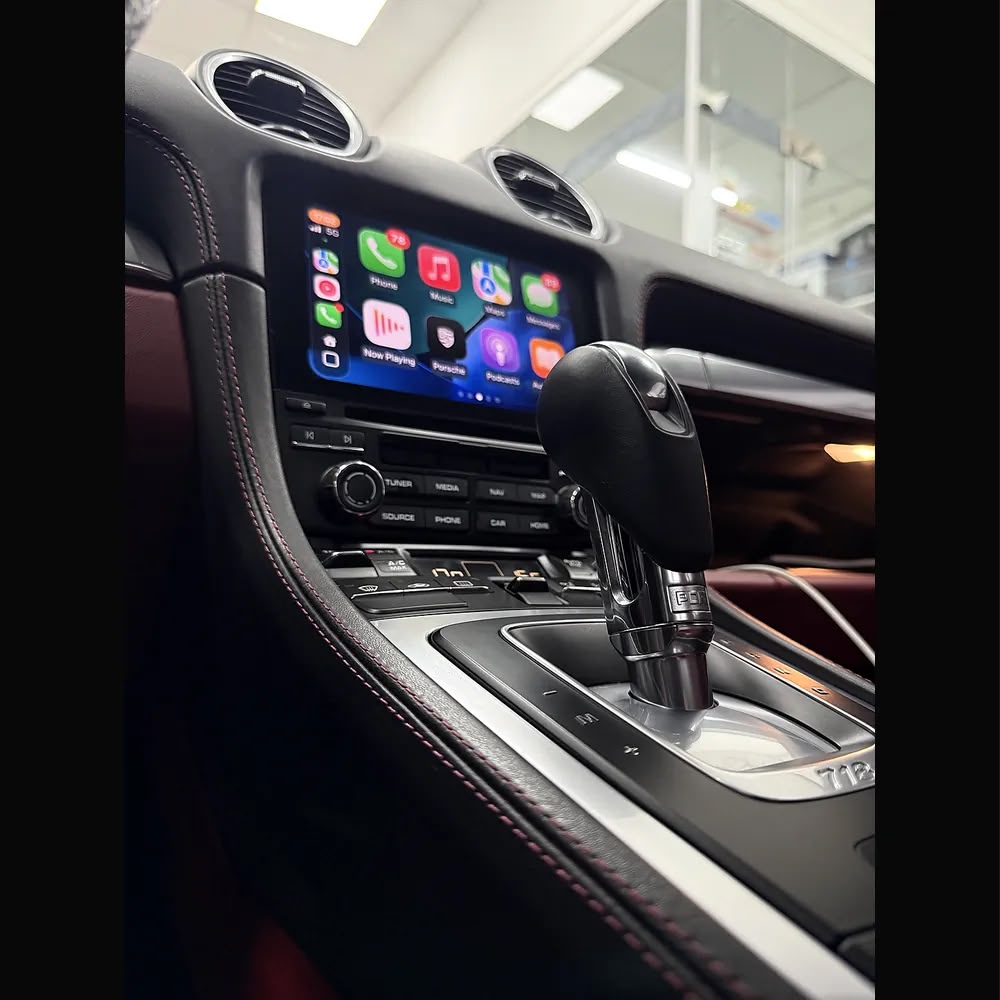
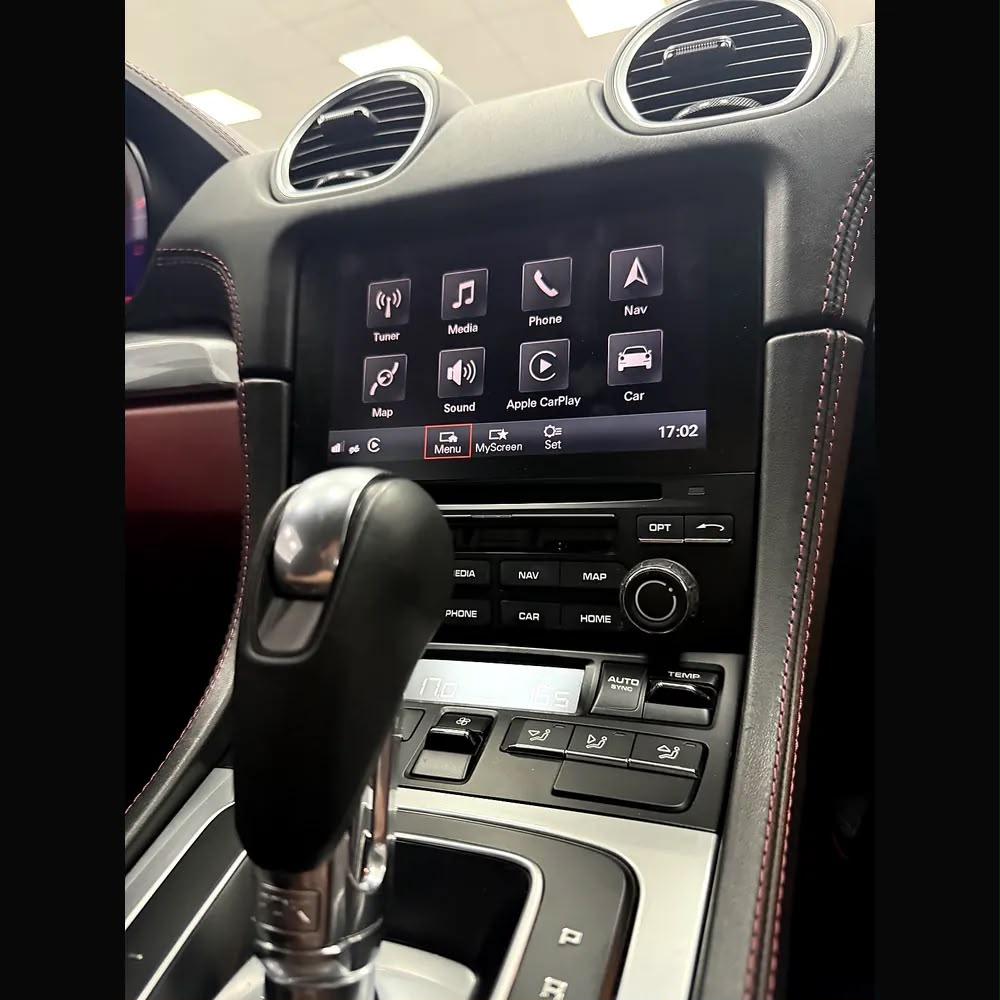
Activate Apple CarPlay and Android Auto on your Porsche, or convert your imported model to GCC region specs, with Weiss Auto Concept in Dubai. Our software-based coding enables full-screen wireless CarPlay, adds Android Auto on supported systems, and updates your navigation and region settings — all without replacing any hardware.
Many Porsche vehicles imported from Europe, the US, Japan, or China come with software locked to those regions, or shipped without CarPlay entirely. This causes CarPlay, navigation, and connected services to malfunction in the Gulf. Our coding restores full functionality to GCC standards.
Supported Porsche systems (software activation):
- PCM 4.0 and PCM 4.1 (MHI2) — CarPlay and Android Auto activation, full-screen
- PCM 5.0 (MH2p) — full-screen CarPlay and Android Auto activation
- PCM 6.0 and newer — GCC region conversion, map and connectivity coding
- Compatible across Macan, Cayenne, Panamera, 911, 718, and Taycan
What’s included:
- Apple CarPlay activation (wireless depend of WiFi system in your car , full-screen)
- Android Auto activation on supported systems
- GCC region conversion for navigation, radio, and connected services
- Navigation map update to GCC maps (UAE, Saudi Arabia, Qatar, Oman, Kuwait, Bahrain)
- Full system testing and pairing after coding
Note: this is a software-only service for PCM 4.0 and newer systems. Older PCM 3.0 and 3.1 units require a CarPlay interface module instead.
What to send us for an accurate quote:
- Your Porsche model and year (e.g. Macan 2018, Cayenne 2020)
- Your VIN (chassis number)
- A photo of your PCM Software Version screen
How to find your PCM software version:
- PCM 3.0 / 3.1: Press INFO, then OPTION, then select System Version
- PCM 4.0 / 4.1: Go to Home, tap Set (gear icon), then Version Information
- PCM 5.0: Open SET on the right sidebar, then System, then Software Update, then Version Information
Send these details to us on WhatsApp and our team will confirm exactly what your Porsche needs and give you accurate pricing.
Recent Porsche Projects
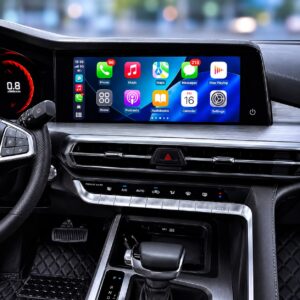
Porsche Macan 2019 (PCM 5.0): Apple CarPlay and Android Auto activated with no added hardware, plus a PCM software flash for true full-screen CarPlay.
Reviews
There are no reviews yet.